
1
Natural Language Editing
Describe what you want in plain language and let AI interpret your intent precisely. No complex settings or manual adjustments — just type and generate professional results in seconds.
Subject image, marked areas, and result reference
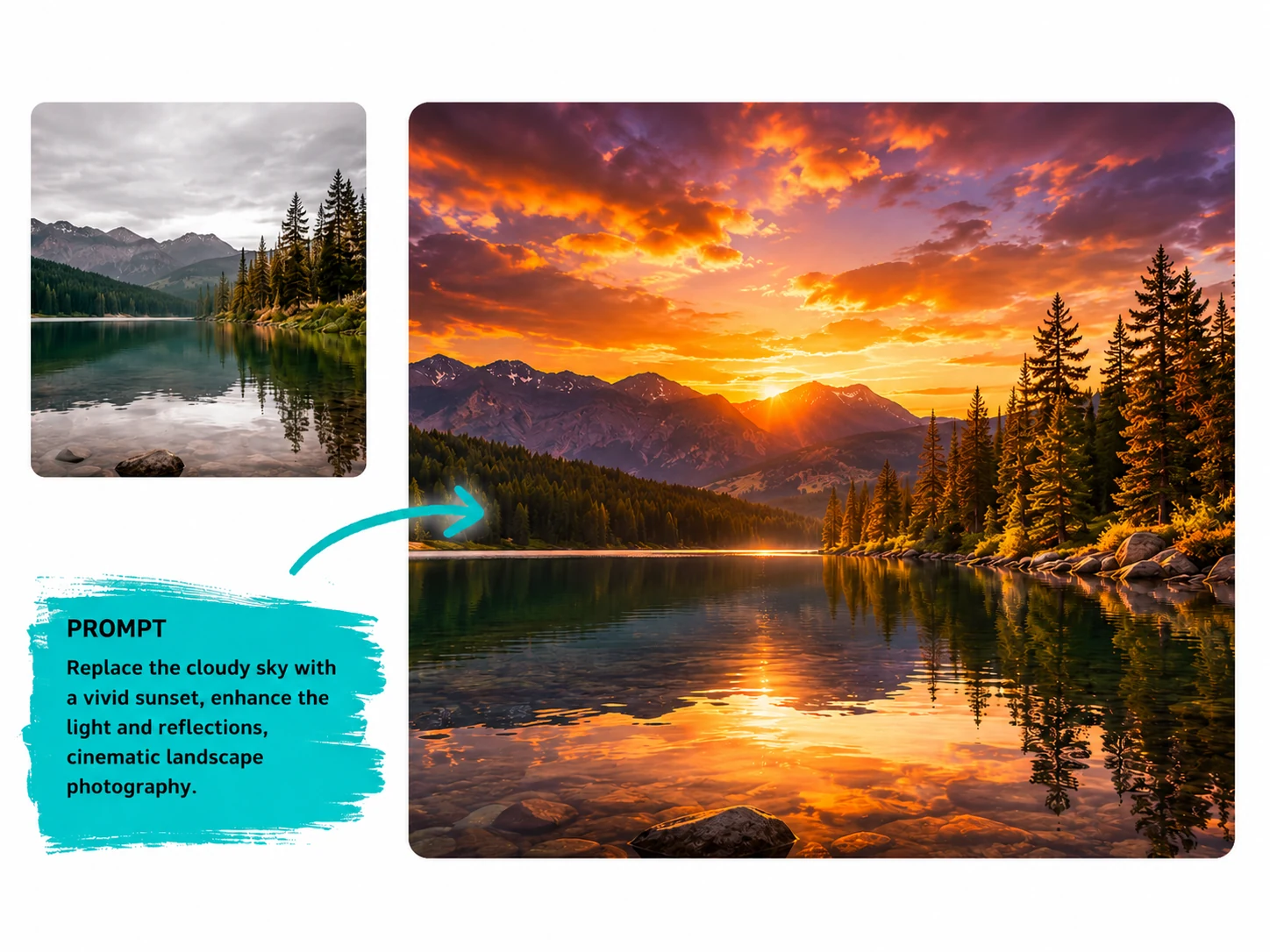
Click to select the picture
Six powerful editing modes. One unified platform. No design skills required.
Describe what you want in plain language and let AI interpret your intent precisely. No complex settings or manual adjustments — just type and generate professional results in seconds.
Replace photo backgrounds instantly — upload a new background image or describe it in text. Perfect for product photography, portraits, and e-commerce listings that need a polished, consistent look.
Mark any unwanted element — a passerby, a distracting object, or background clutter — and the AI seamlessly removes it. The result looks natural, as if the object was never there.
Combine multiple editing modes in a single task — swap the background, apply a cinematic filter, and add studio lighting all at once. Multi-select workflow saves time and keeps your creative process fluid.
From background replacement to cinematic lighting — powerful AI models understand your vision and bring it to life with precision. One platform, endless creative possibilities.
Start EditingLoved by 5M+ creators
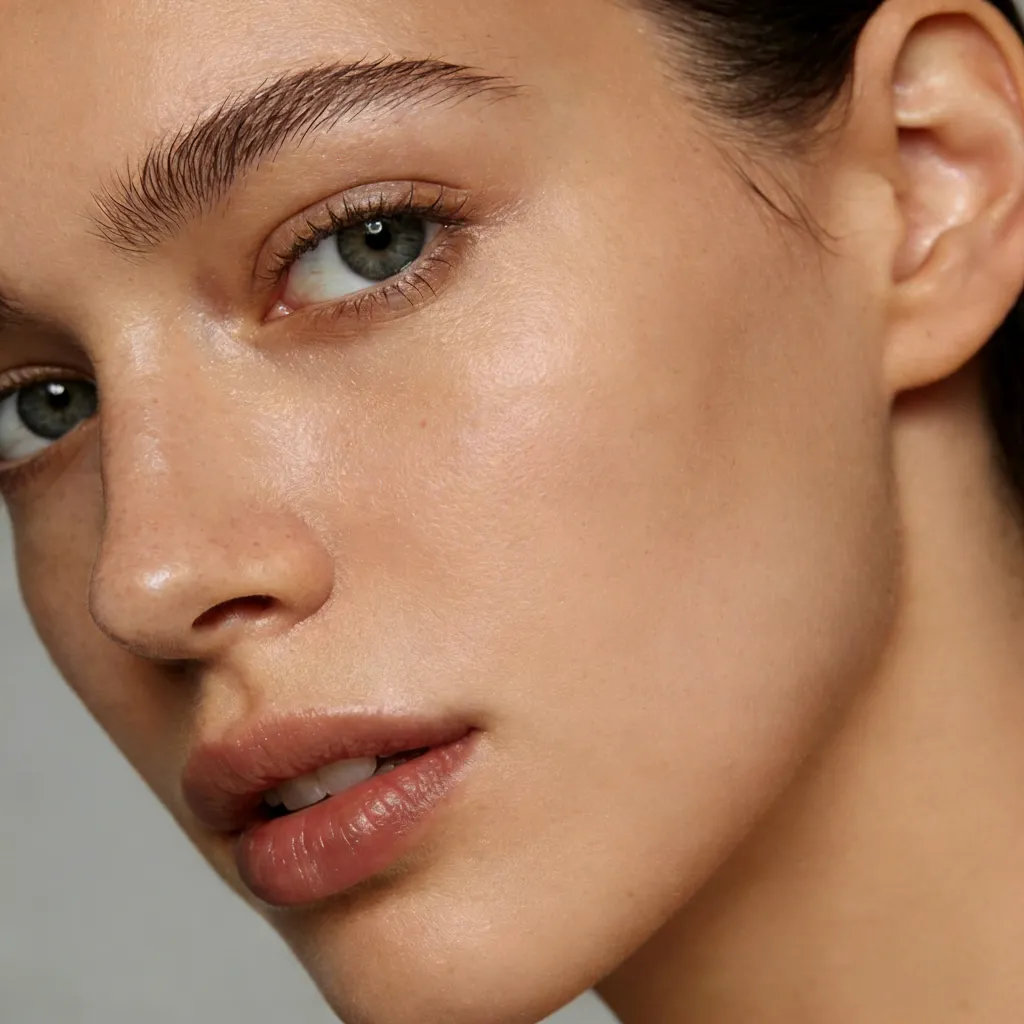
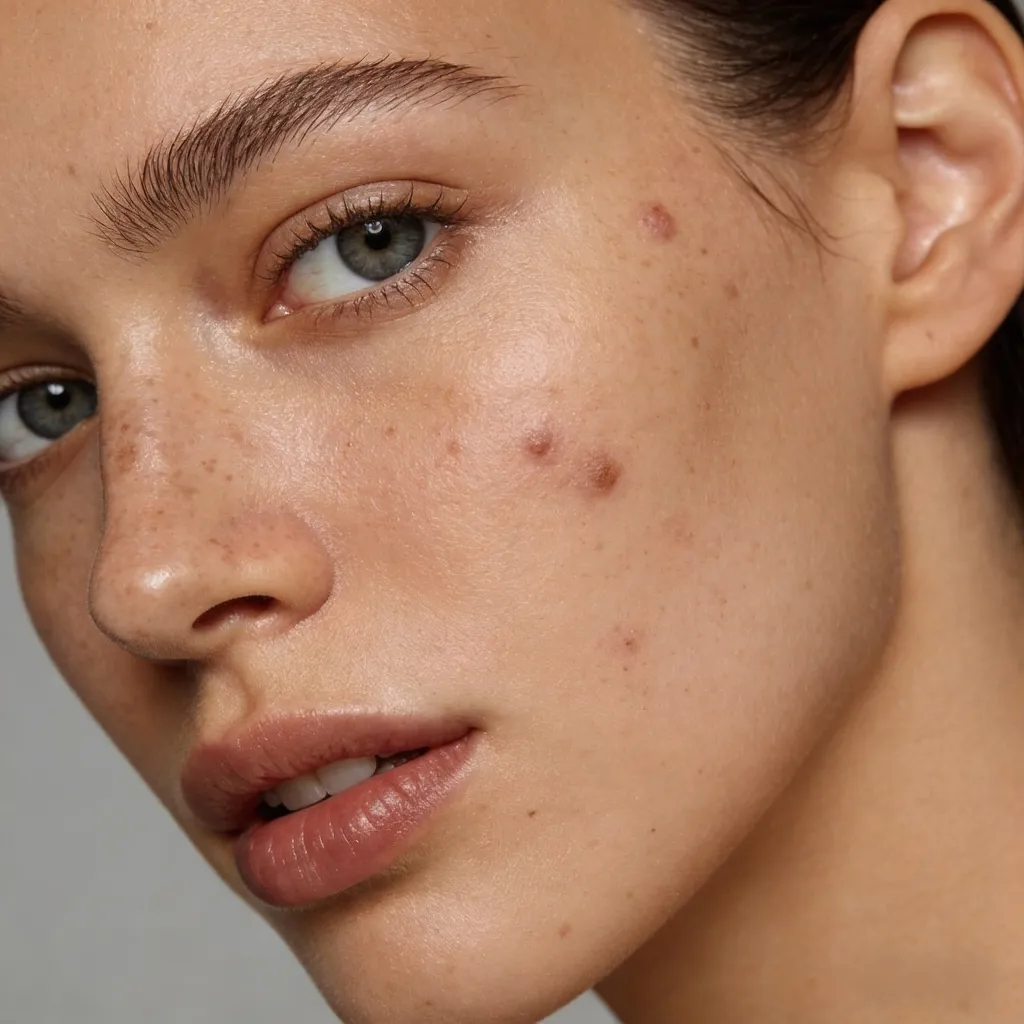
Portrait & Social
Make your Instagram or TikTok content pop using free AI photo editor tools. Enhance facial details and apply vibrant color corrections to stand out in every feed.
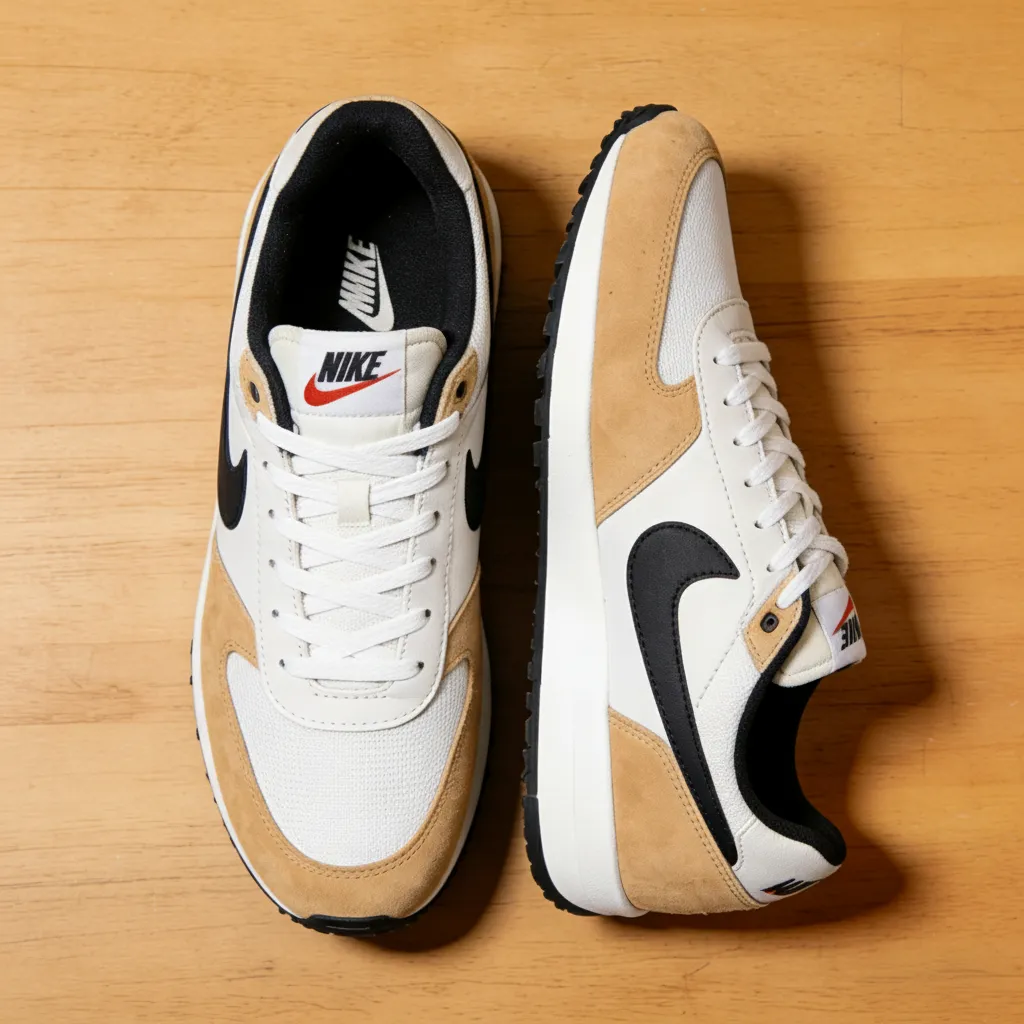
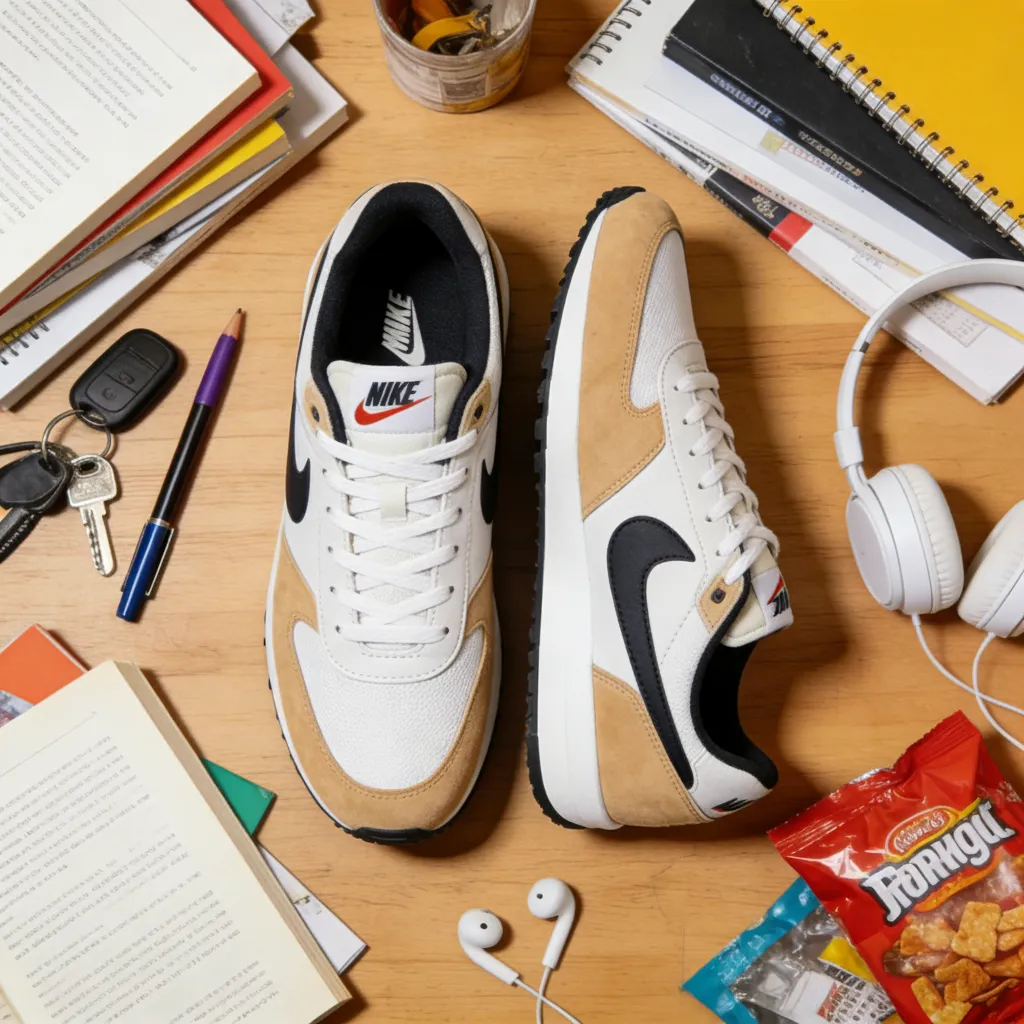
Product & E-commerce
Create professional product listings with an AI image editor. Effortlessly remove distracting backgrounds and sharpen textures to drive higher conversions instantly.
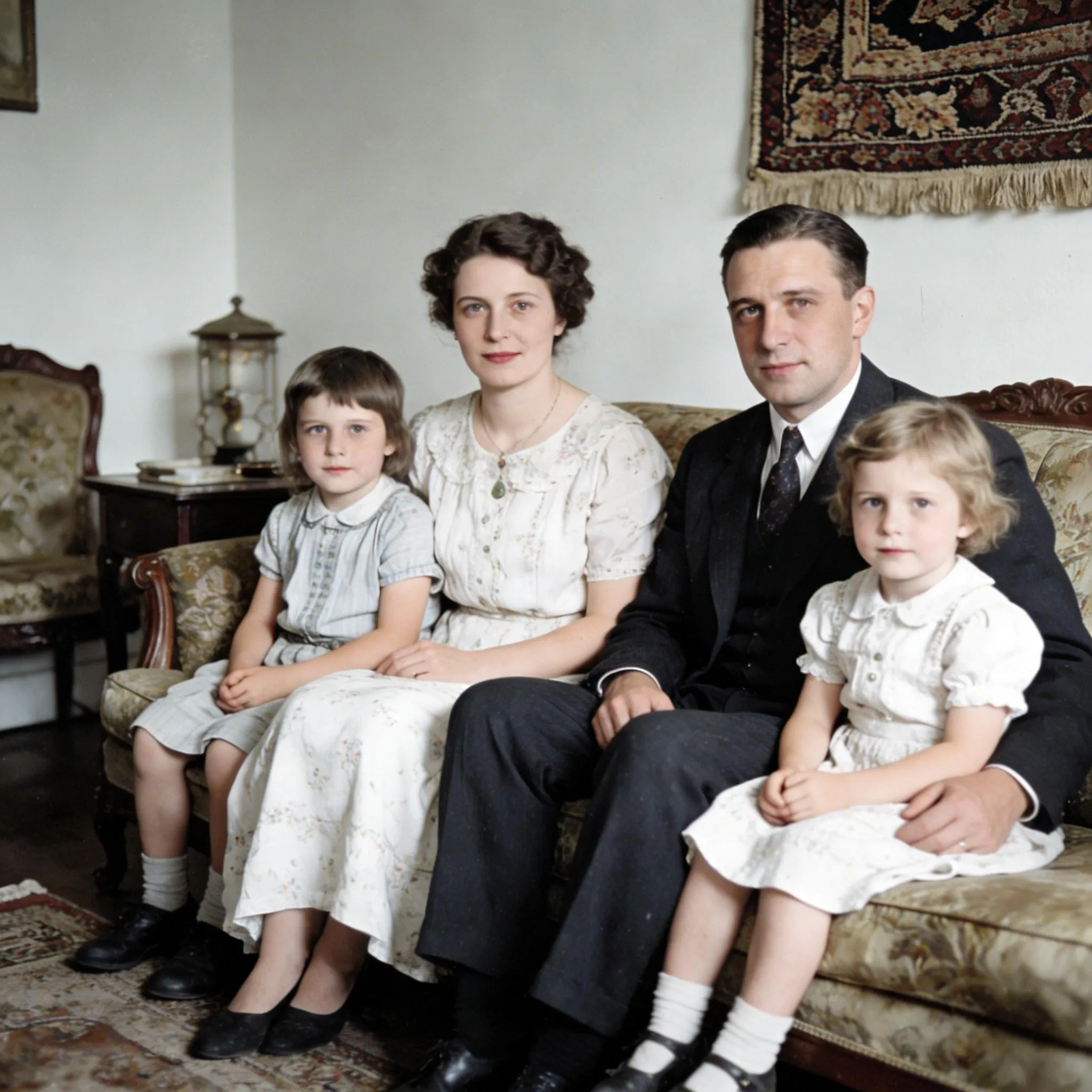
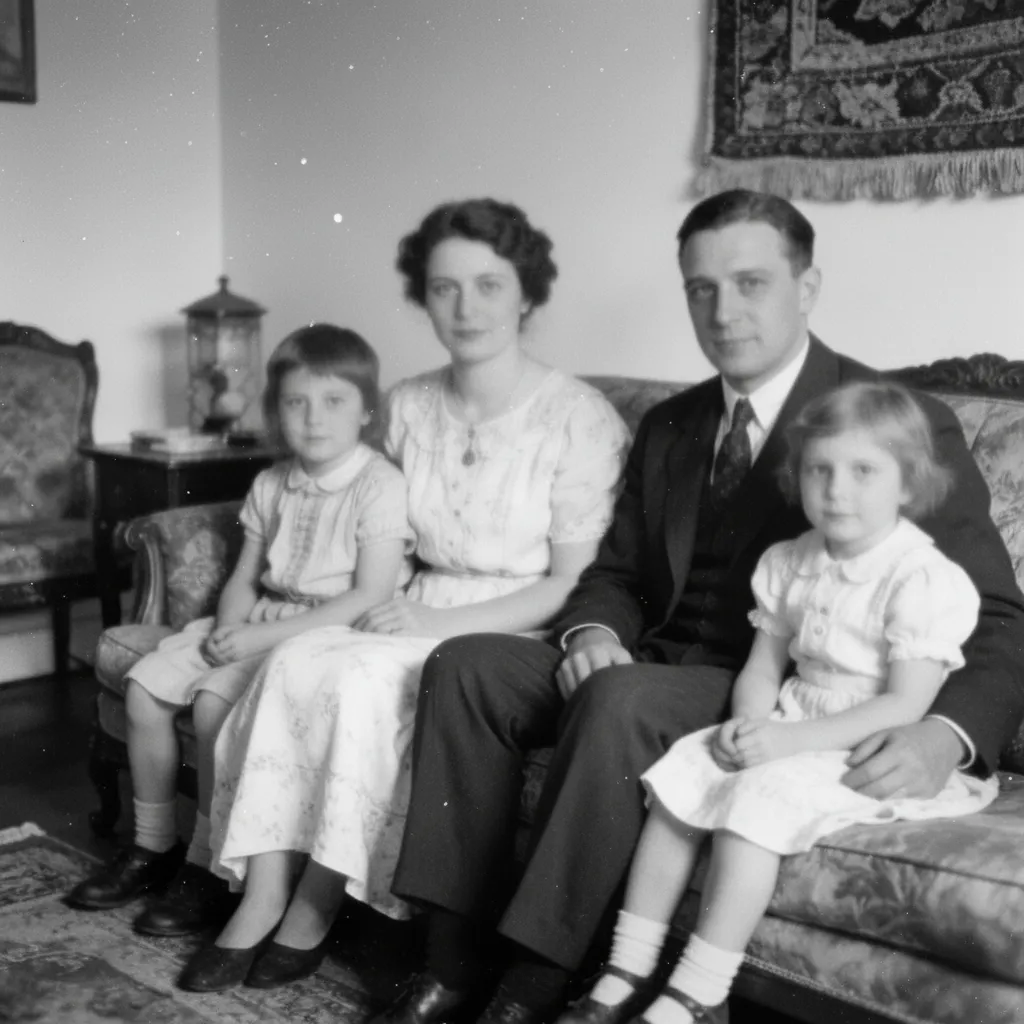
Photography & Cleanup
Let an AI picture editor clean up your cherished family portraits. Erase distractions and fix lighting to transform faded snapshots into high-definition keepsakes.


Business & LinkedIn
Turn a casual selfie into a polished professional headshot with natural retouching, cleaner lighting, and a confident profile-ready look.
From product photography and portraits to advertising concepts, one natural-language workflow covers the production pipeline.
Replace backgrounds, refine shadows, and keep product visuals consistent for ads and marketplace listings.
Clean backgrounds, enhance skin tone and light, and preserve natural identity and fine details.
Create multiple content versions with consistent look and feel. Apply filters, overlays, and scenes in seconds.
Blend model shots with branded backgrounds, seasonal color grades, and campaign-ready composites.
Replace furniture, swap wall colors, remove personal items, and transform listing photos without a reshoot.
Combine source images into unified compositions, add cinematic tones, and experiment with dramatic lighting.
Upload your subject photo. Drag-and-drop or click to browse, JPG, PNG, and WebP supported.
Choose an editing mode: background swap, filter, lighting, removal, composition, or free mode. Combine multiple modes for complex edits.
Click Generate. The AI processes your request and delivers a high-quality edited image in seconds. Download and share instantly.
Built on state-of-the-art models with capabilities that go beyond simple filters and presets.
Current and upcoming models interpret complex, multi-step prompts with context awareness. Describe nuanced edits like warm cinematic tones with rim lighting and get exactly that.
Even with heavy background or style changes, AI preserves identity, skin tone, clothing, and fine details with less bleed and distortion.
Enable multiple editing modes simultaneously, background swap plus filter plus lighting in one generation pass.
Generate professional-quality edited images in seconds. Output is ready for web, social, or print without extra post-processing.
Pair AI Photo Editor with these tools to handle every stage of your photo production pipeline.
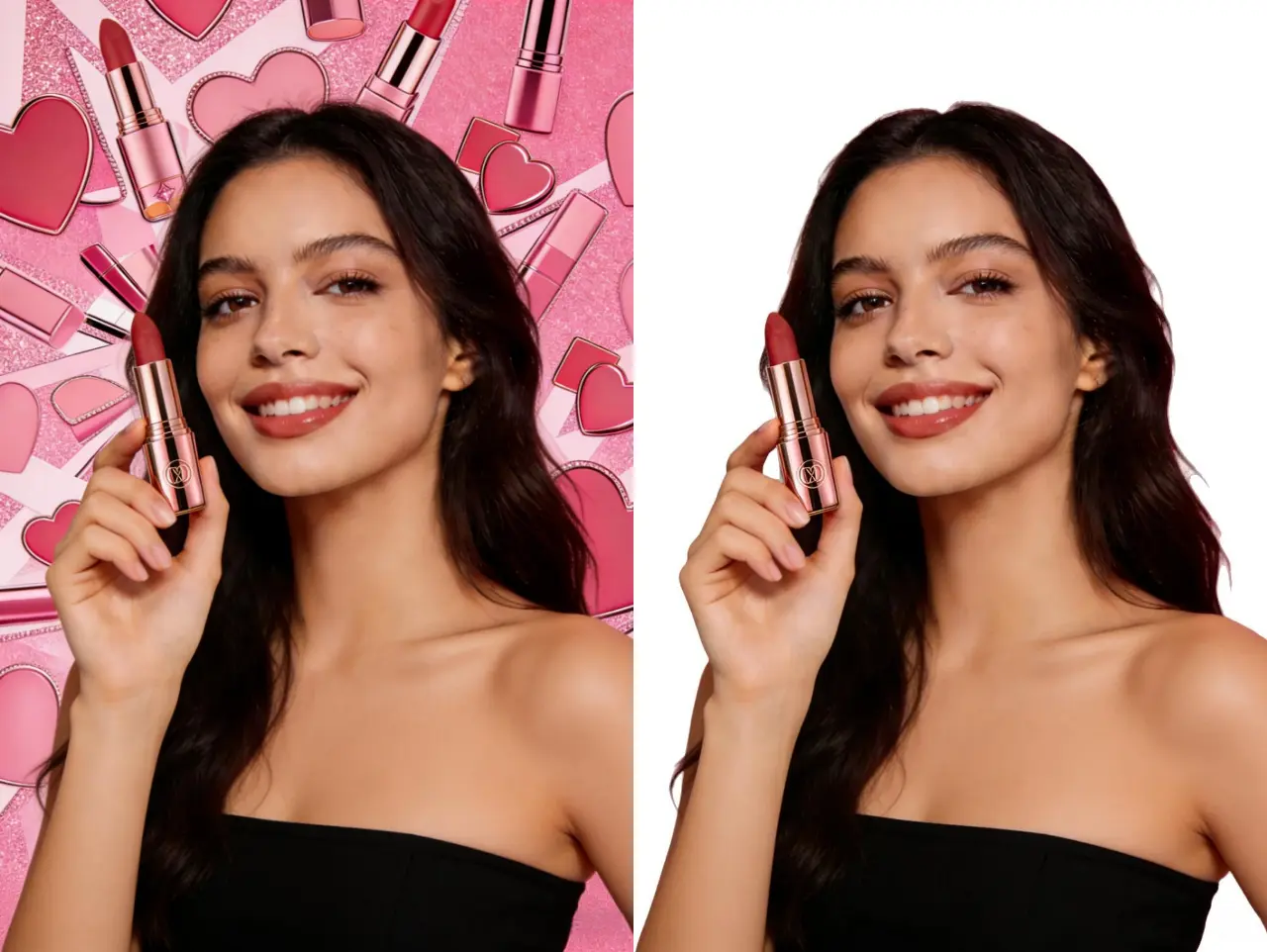
Before swapping backgrounds in Photo Editor, get a clean, precise cutout with our Background Remover. Automatically isolates subjects — people, products, or objects — with pixel-level accuracy, ready to drop into any new scene.
Remove Background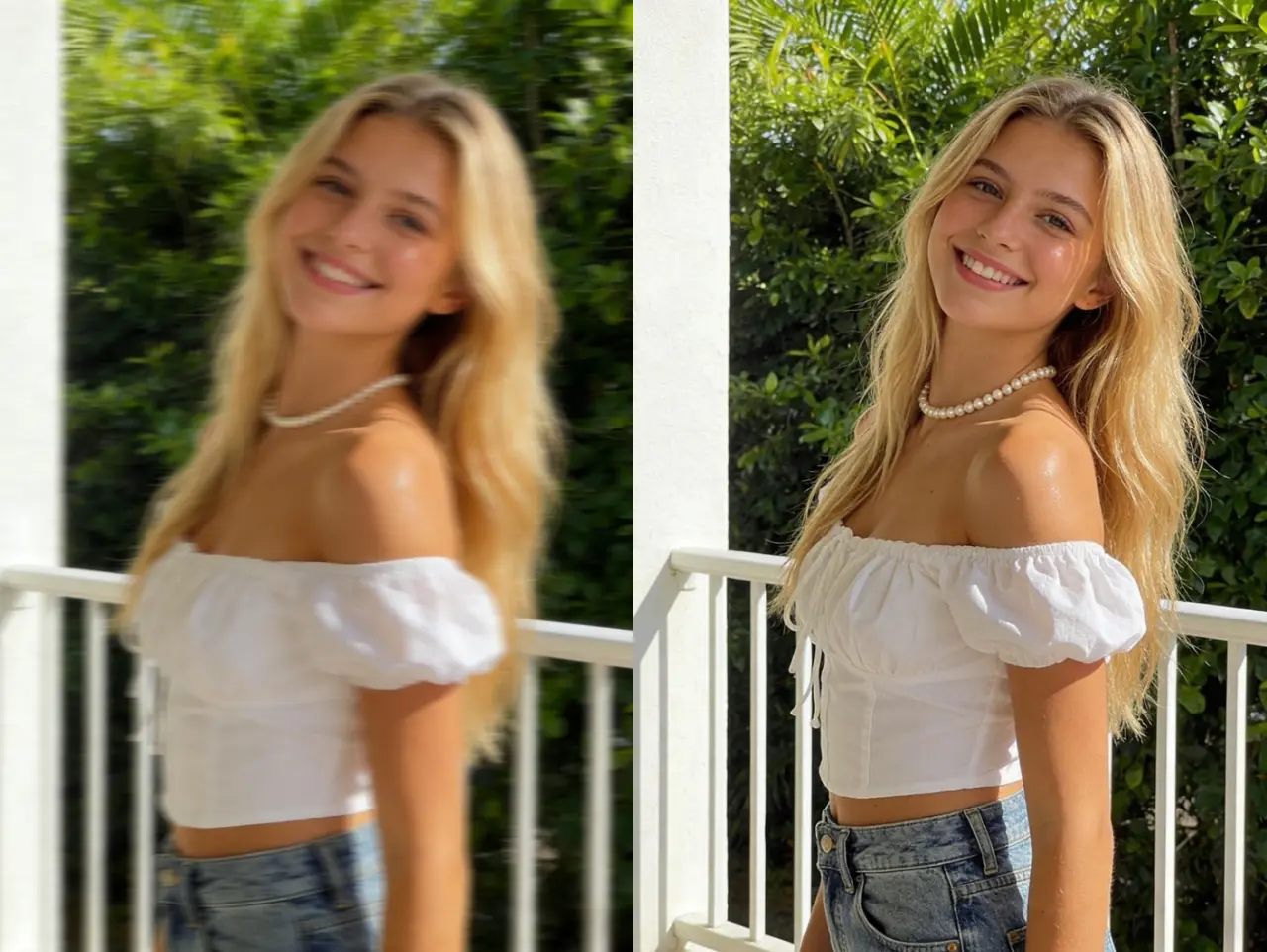
After editing in Photo Editor, take your result further with our Upscaler. Enlarge images up to 4x without quality loss — ideal for print campaigns, large-format displays, and high-DPI product listings.
Try Photo Upscaler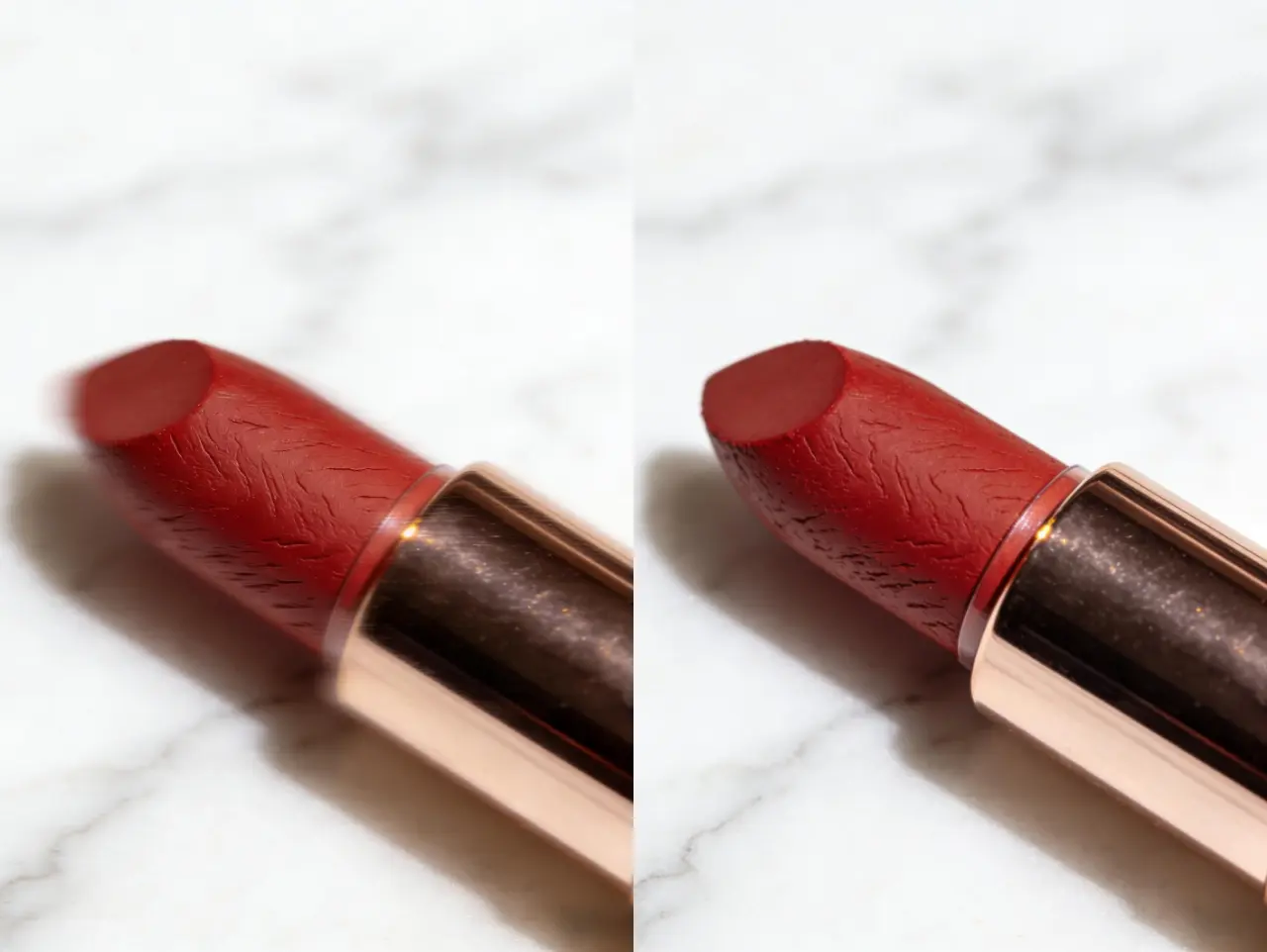
Pair Photo Editor with our Image Enhancer to get the full picture quality you need. Automatically reduce noise, fix exposure, and sharpen fine details — so your edited results look professionally polished every time.
Enhance Image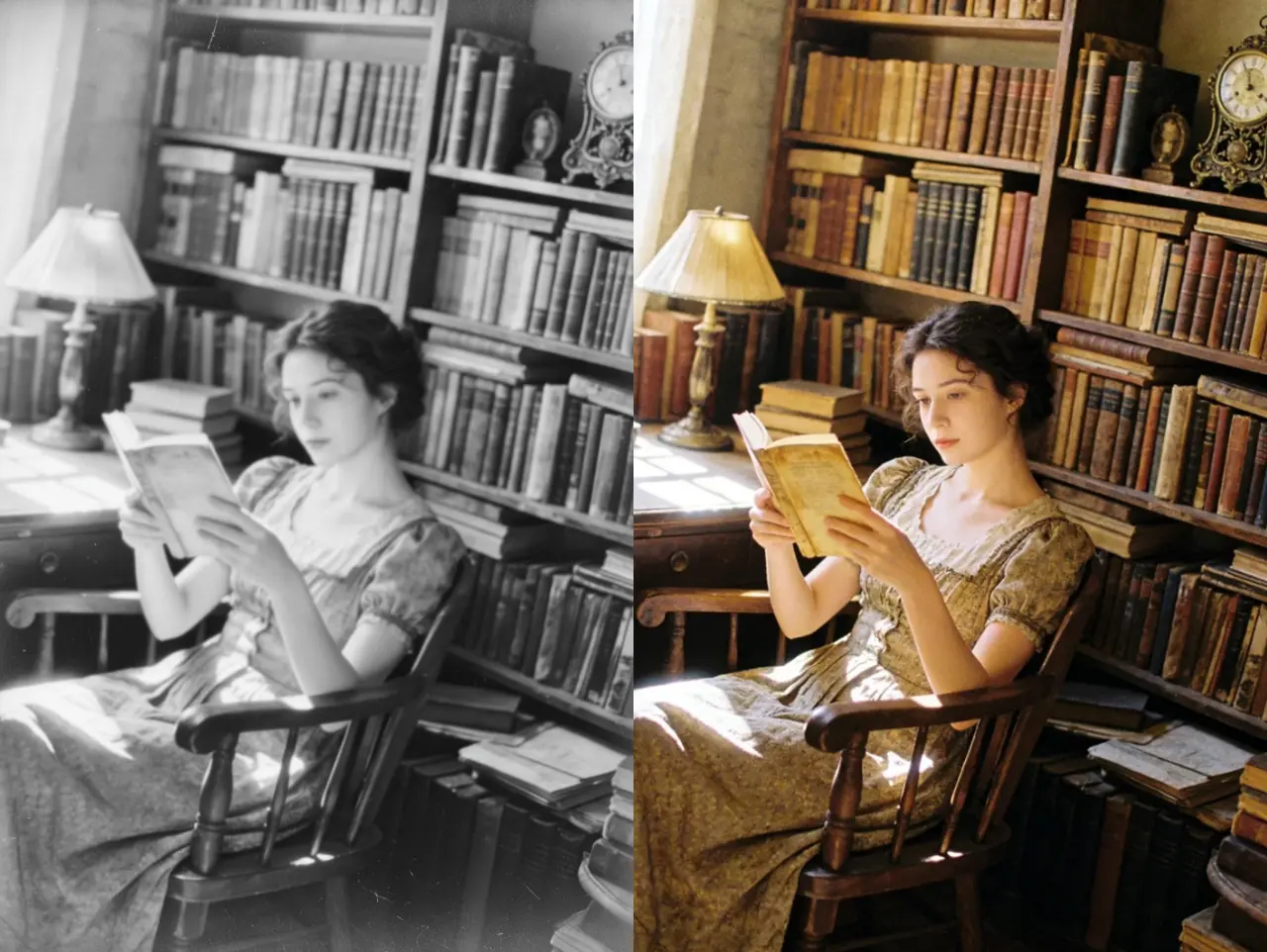
Have an old or damaged photo you want to edit? Start with Photo Restoration to repair scratches, tears, and faded areas first — then bring it into Photo Editor to add modern backgrounds, filters, and lighting for a complete transformation.
Restore Photo