
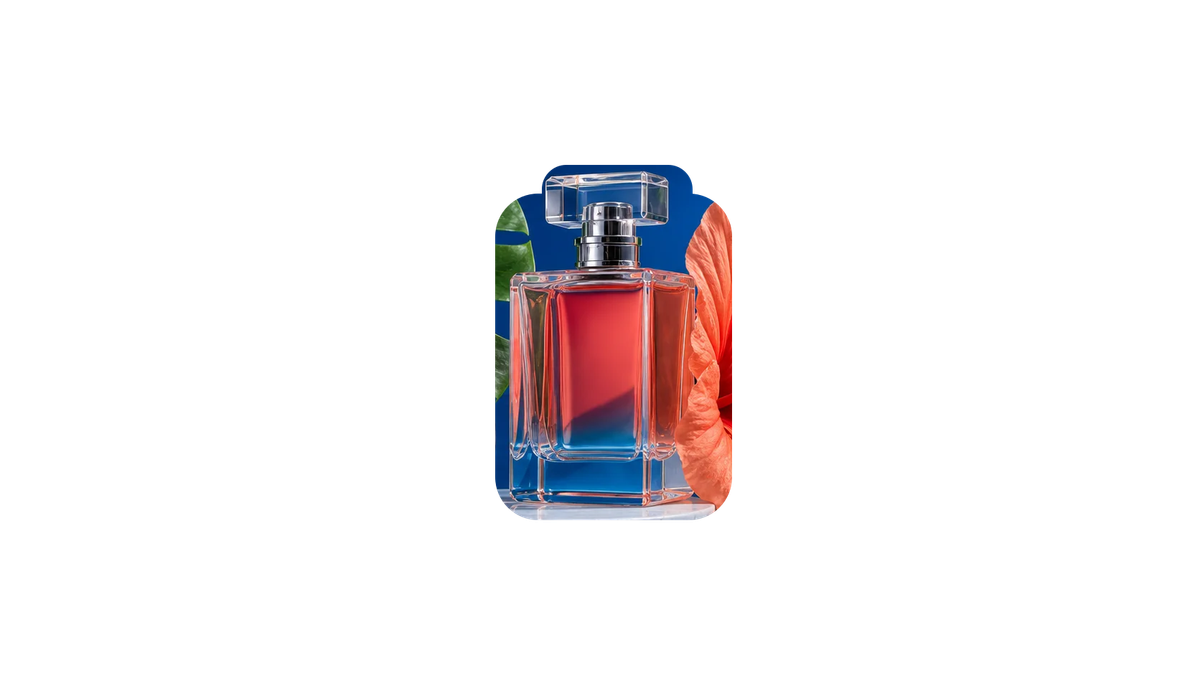
Real PNG Layers
Download transparent PNG files such as layer-1, layer-2, and layer-3, ready to place into a design file.
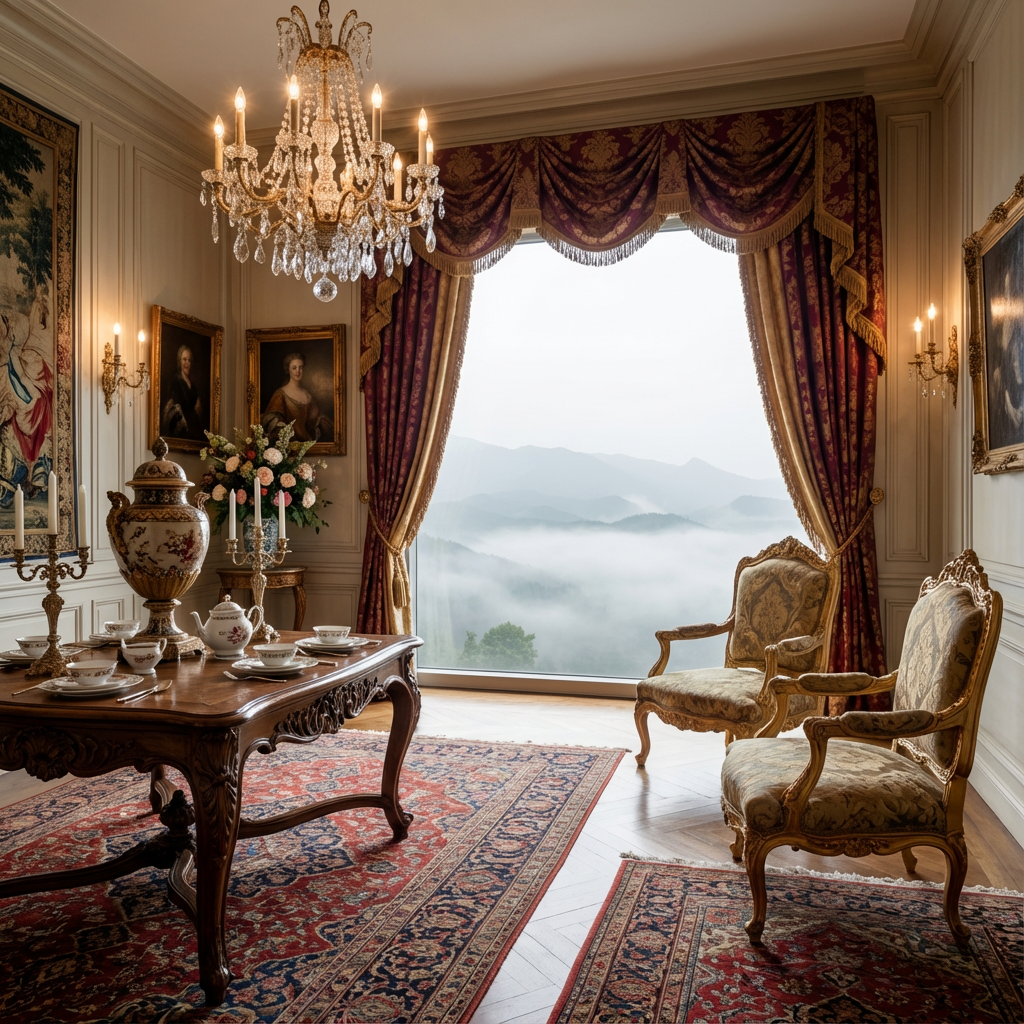 Original
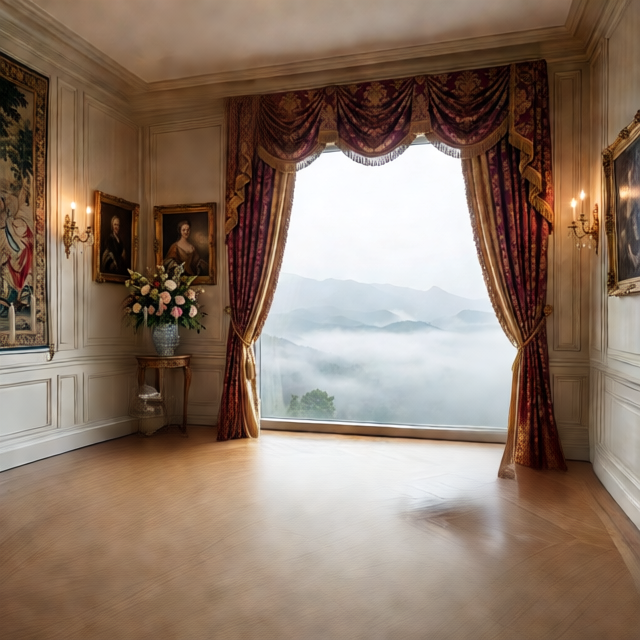 Layer 1
Click or drag an image here
JPG, PNG, WebP
Drop an image here or click to upload
Free previews split into 2 layers; any credit pack or plan unlocks up to 8.
Click or drag an image here
JPG, PNG, WebP
Drop an image here or click to upload
Free previews split into 2 layers; any credit pack or plan unlocks up to 8.
Export formats
Each run returns multiple transparent layers. Inspect them one by one, download a PNG ZIP, or package the result as a layered PSD for design handoff.
Download transparent PNG files such as layer-1, layer-2, and layer-3, ready to place into a design file.

Package transparent PNG layers into a PSD that opens in Photoshop, Photopea, or Affinity.
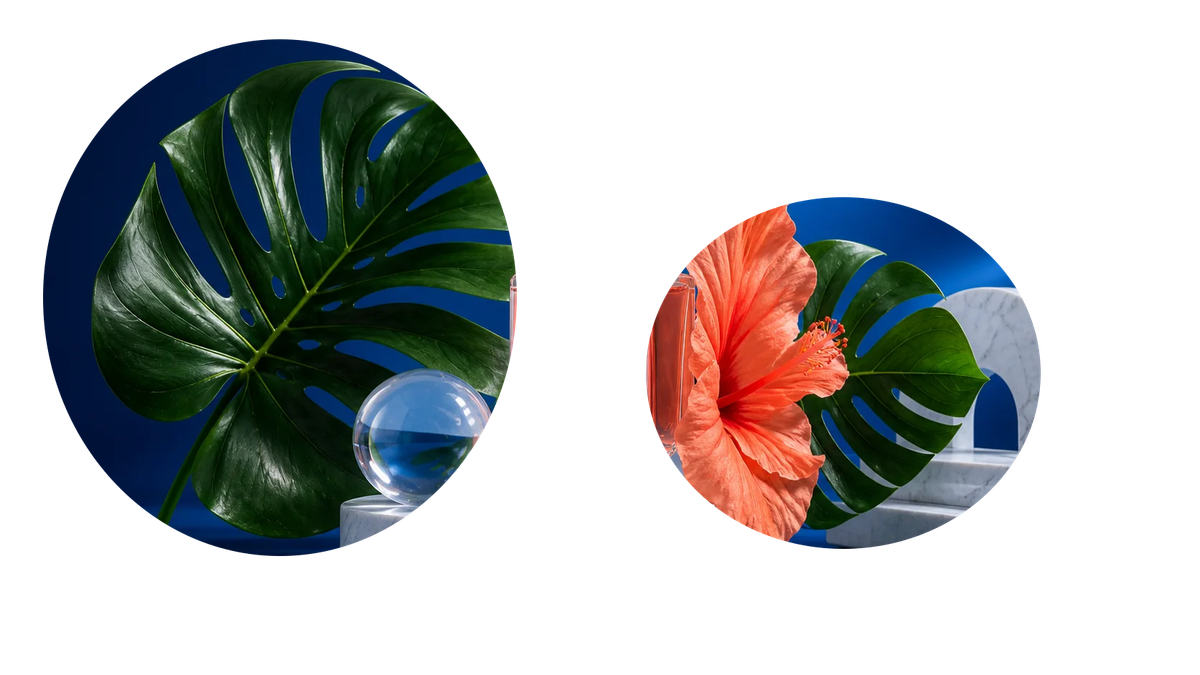
Separate subjects, backgrounds, objects, shadows, and text into RGBA layers with alpha transparency.
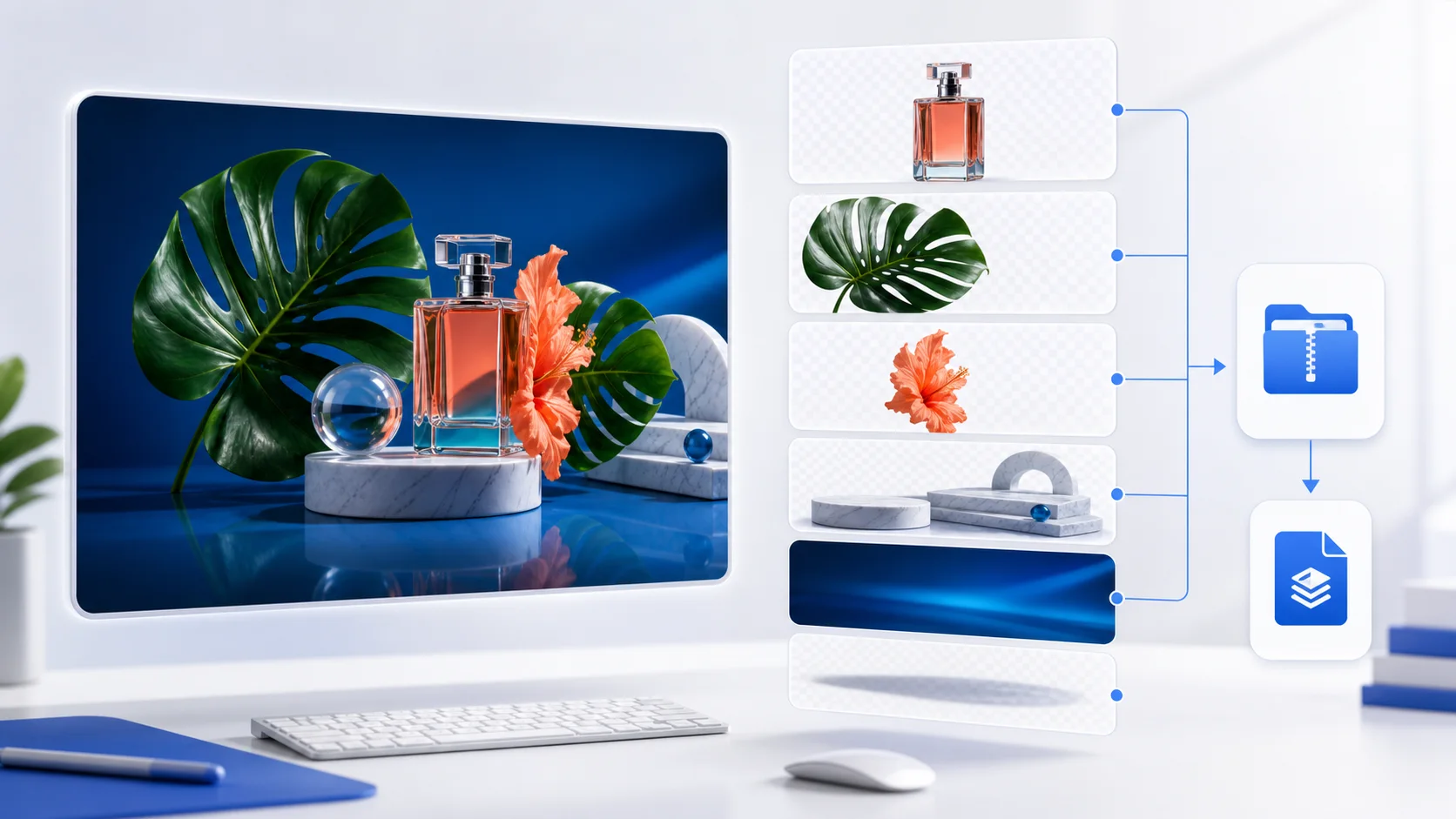
Switch through generated layers in the browser and check transparency, edges, and layer content before export.
Original / Layers
You do not just get one processed image. ImageLayerSeparator exposes the layer stack so you can check backgrounds, subjects, shadows, props, or text before downloading files.
PNG ZIP
Batch transparent layer download
PSD
Photoshop layered handoff
2-8
Adjustable semantic layers
Online
Preview and export in browser
Original: one flattened input image
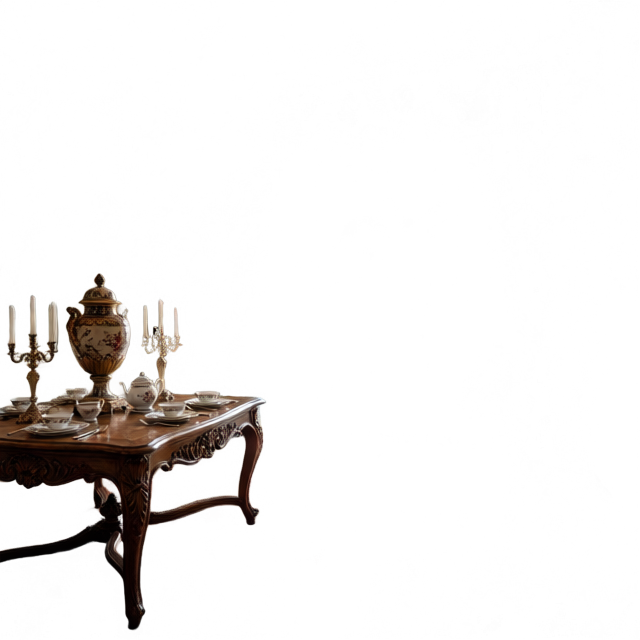
Layer output: transparent PNG and PSD layer
Image to PSD
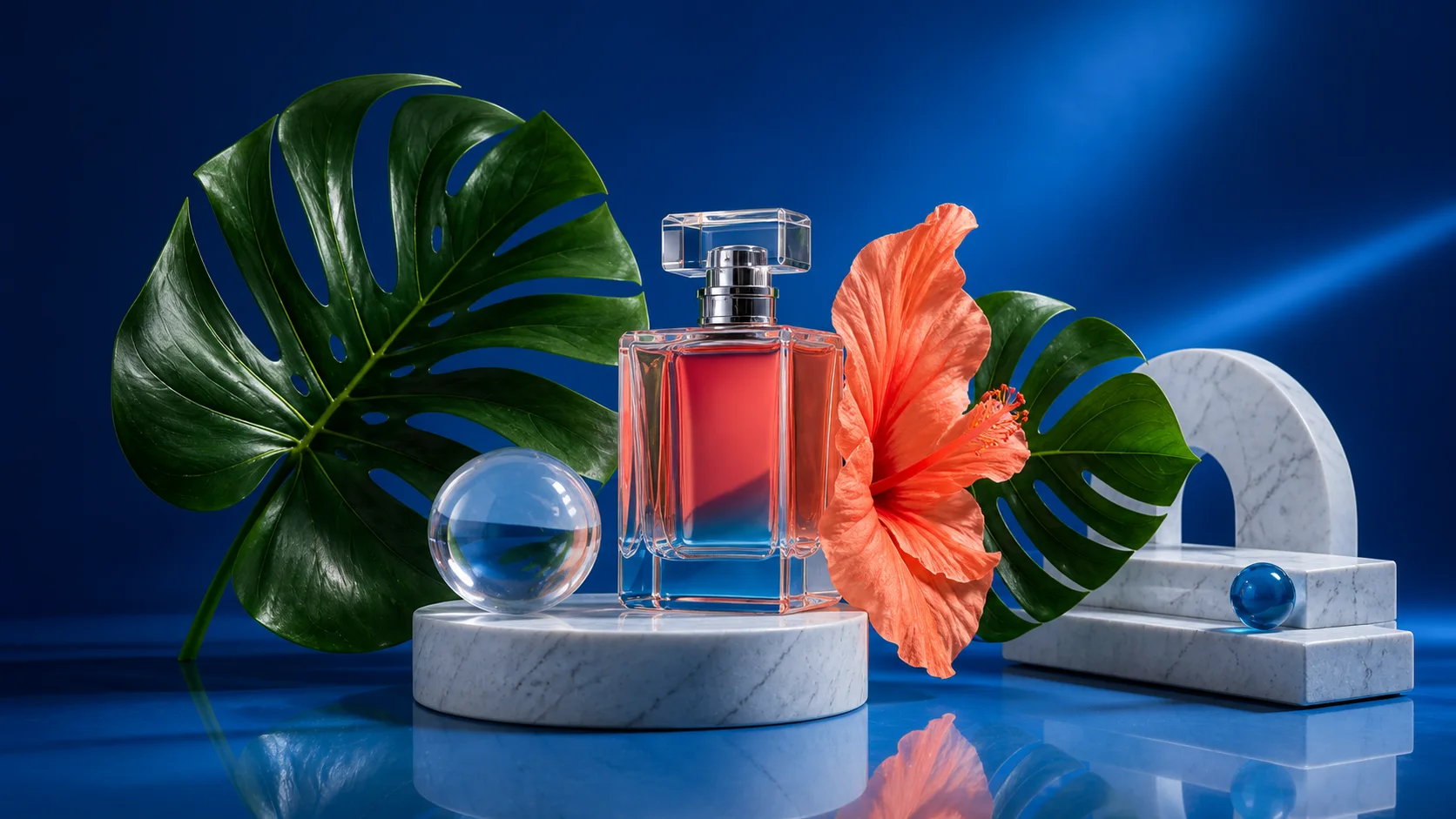
STEP 1
Start with one source image and choose 2 to 8 target layers. Guests and free users can generate up to 2 layers.
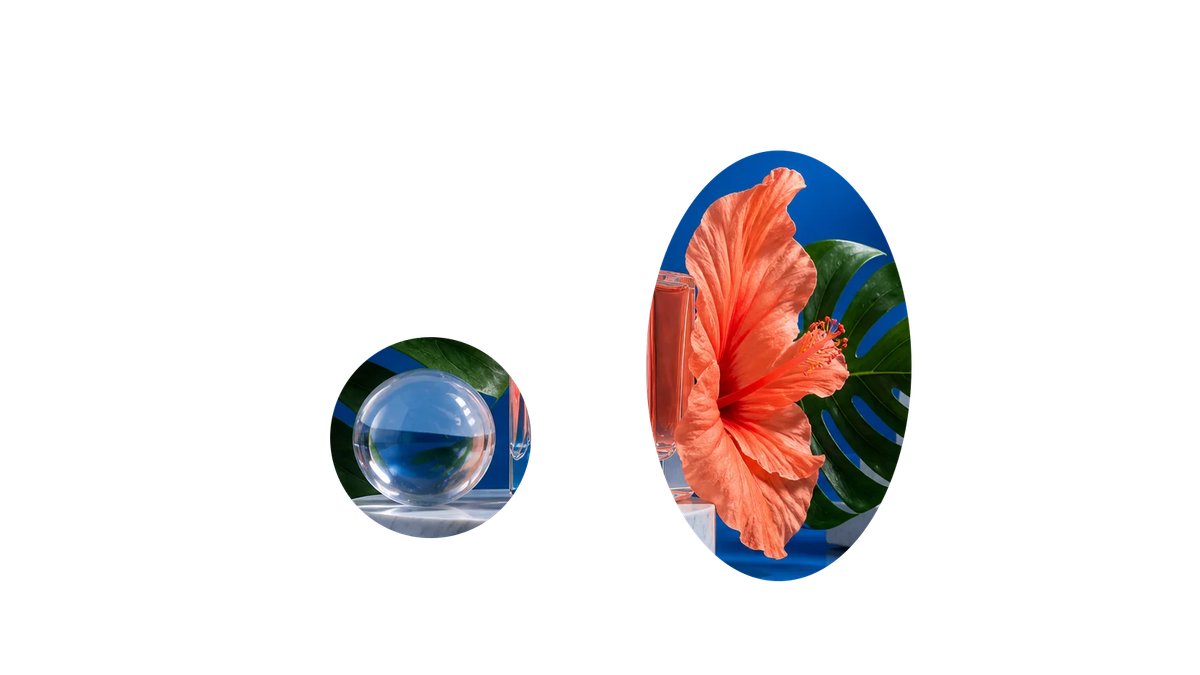
STEP 2
The result comes back as separate layers so you can review subjects, backgrounds, props, shadows, or text.
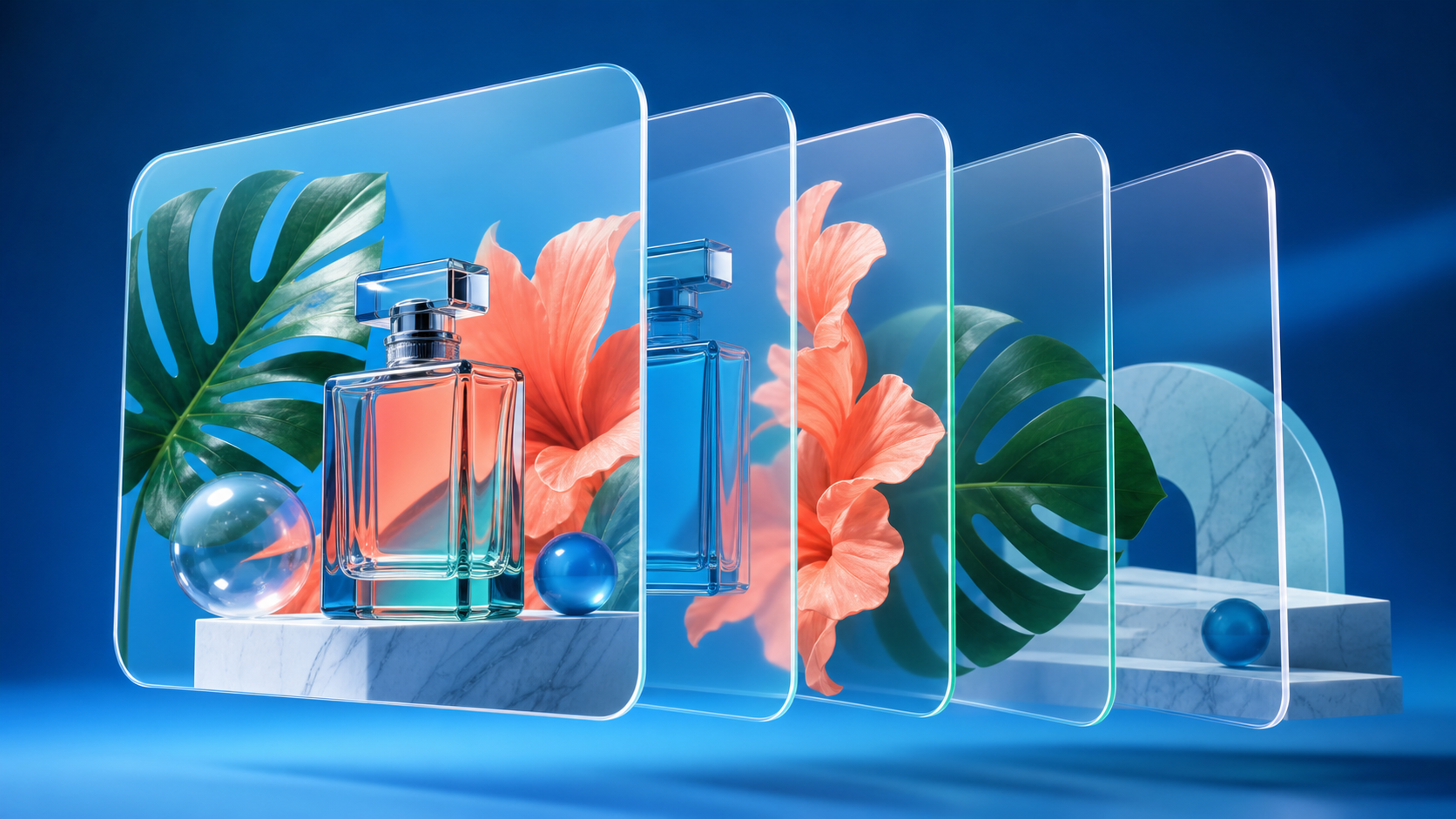
STEP 3
Download a PNG ZIP for web and design tools, or export a PSD for Photoshop handoff.
Layer workflows
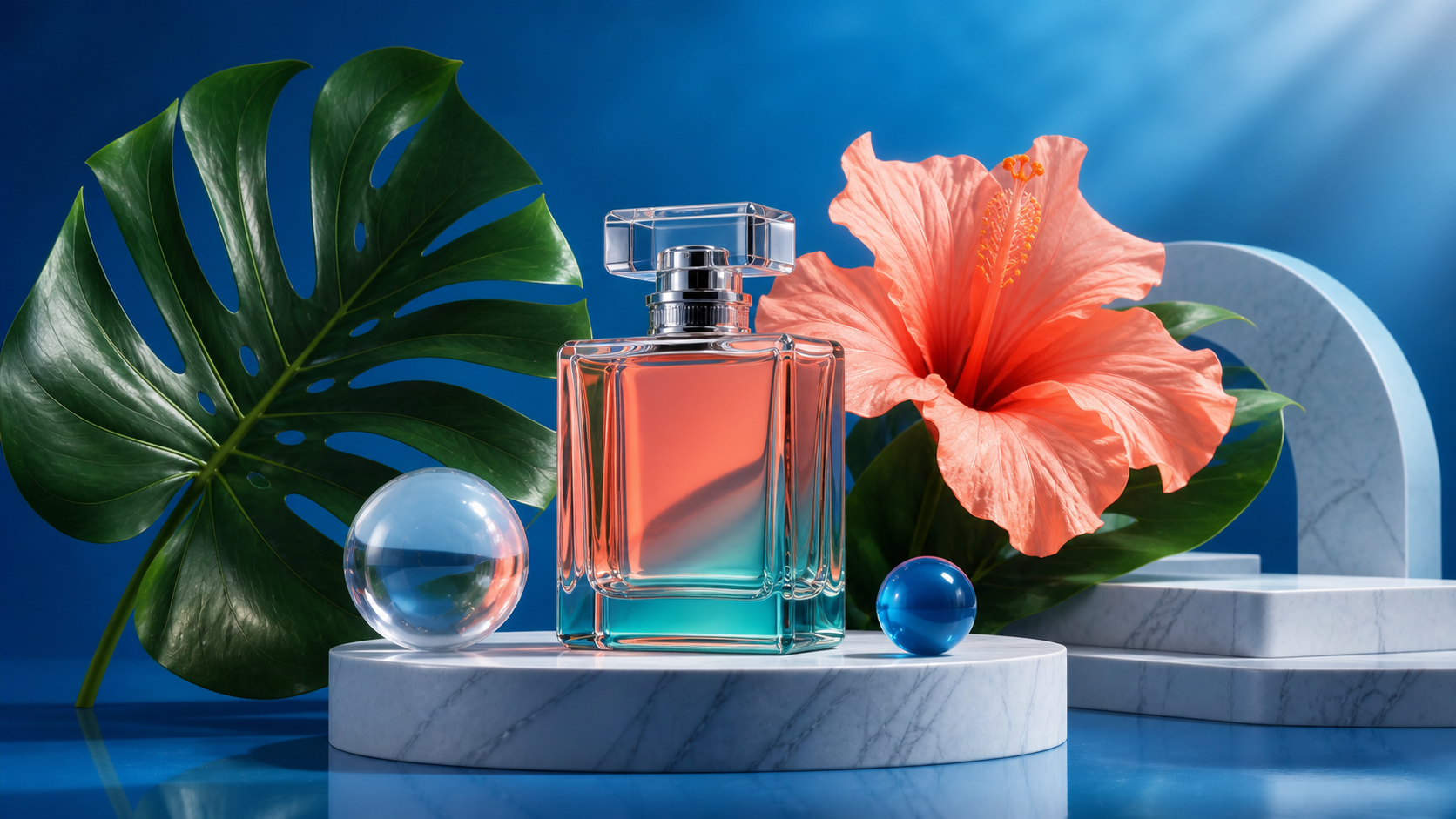
Convert a flat JPG, PNG, or WebP into a PSD with multiple layers, not just a renamed file.
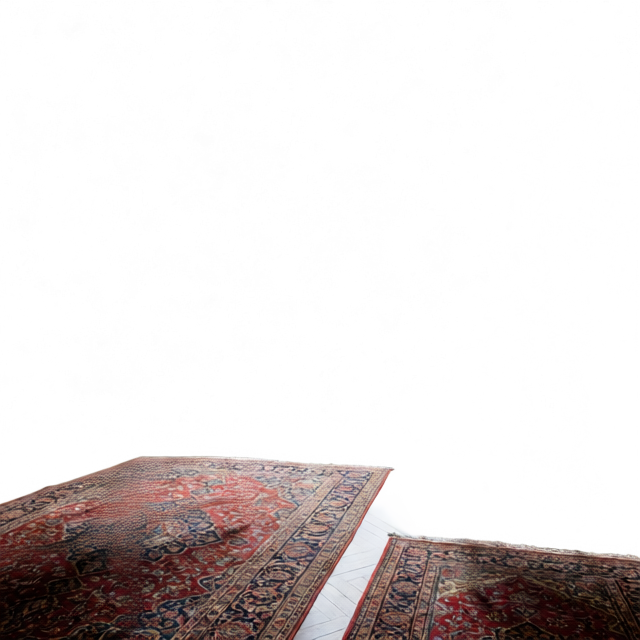
Useful when a team needs transparent assets: each layer is a separate PNG for Figma, Canva, or frontend work.
Continue masking, layout, local edits, and compositing without rebuilding every cutout by hand.
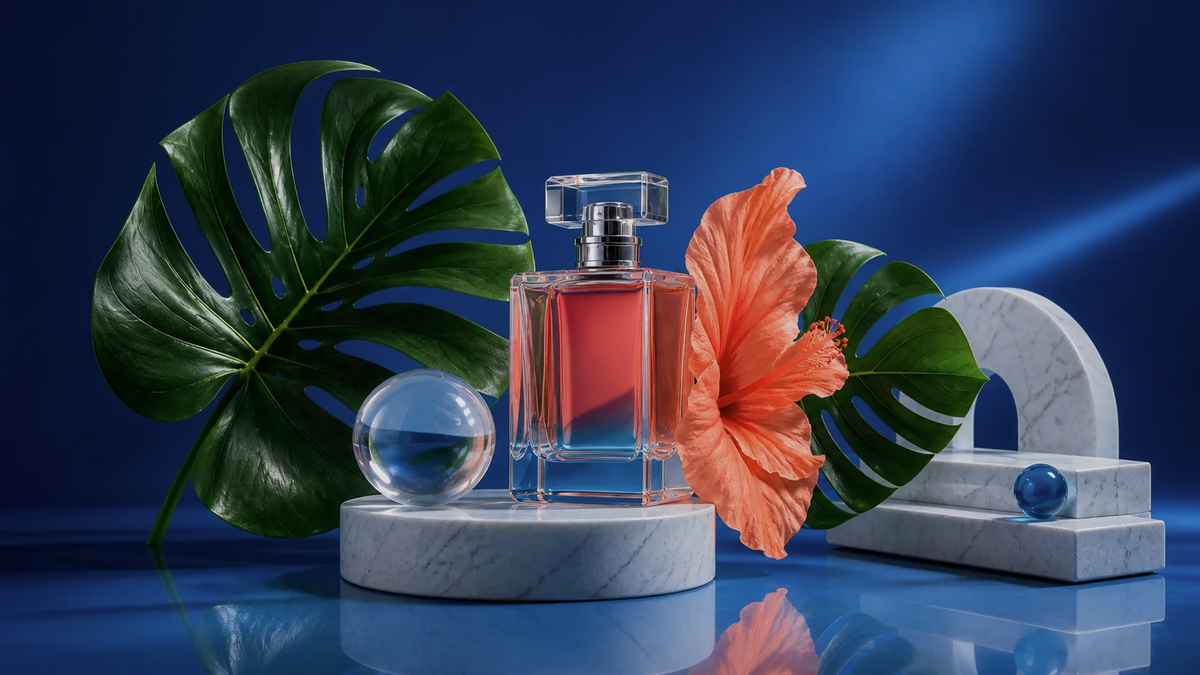
When replacing a background or making a poster, edit the background plate, subject layer, and details separately.
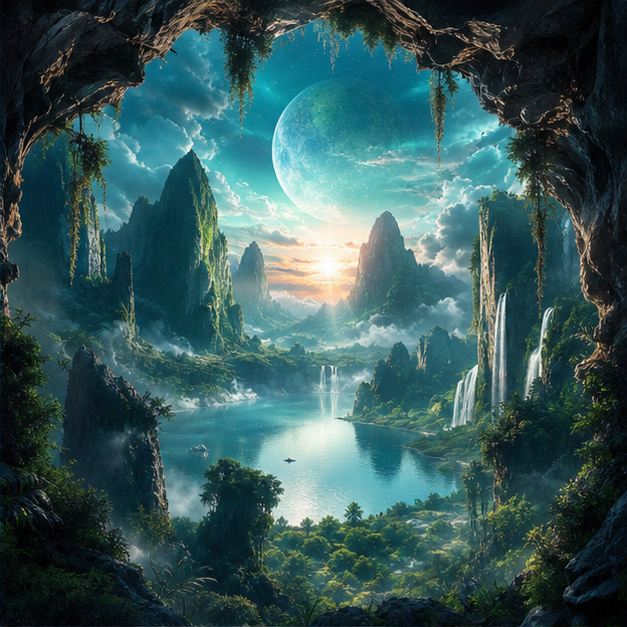
Split Midjourney, Qwen, Flux, and other generated images into editable asset layers for background swaps, element changes, or motion.
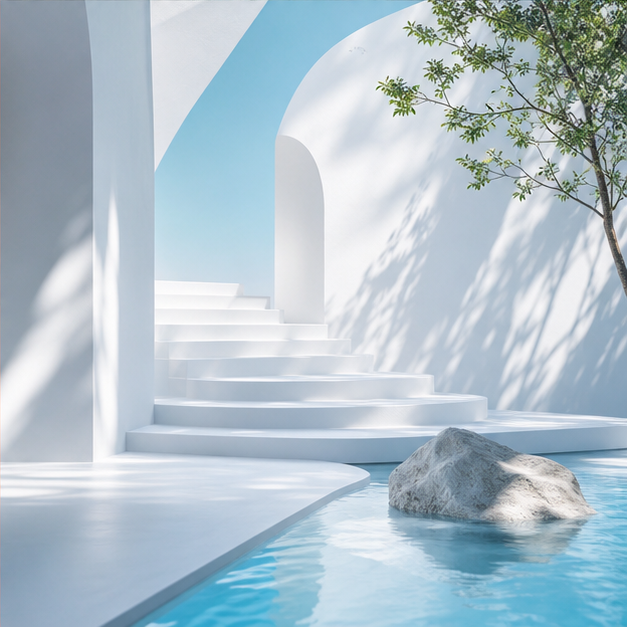
Split still images into foreground, midground, background, and object layers for video motion, shorts, and web parallax.
Guides

Guide
A plain guide to layers, alpha transparency, PSD files, PNG layer packs, and online editors.
Steps
Choose a source image, set layer count, review each layer, and export a PSD without guessing what each step does.
Comparison
Compare transparent PNG layer packs, layered PSD, and one cutout so you can choose the right delivery format.
FAQ
Background removal usually returns one transparent subject. Layer separation creates multiple semantic layers such as subject, background, shadow, text, props, and foreground for continued editing.
Yes. After generation you can preview each layer and download a PNG ZIP. For Photoshop workflows, export a layered PSD.
Product photos, generated posters, illustrations, game assets, social images, and stills that need background or motion edits work well. Clearer elements make layers easier to inspect.
Online preview and PNG ZIP export do not require Photoshop. PSD export is for teams that already use Photoshop or similar design software.