
Character-first layers
Separate a character from scenery, props, foreground effects, or panel decoration so the figure can be moved or reused.
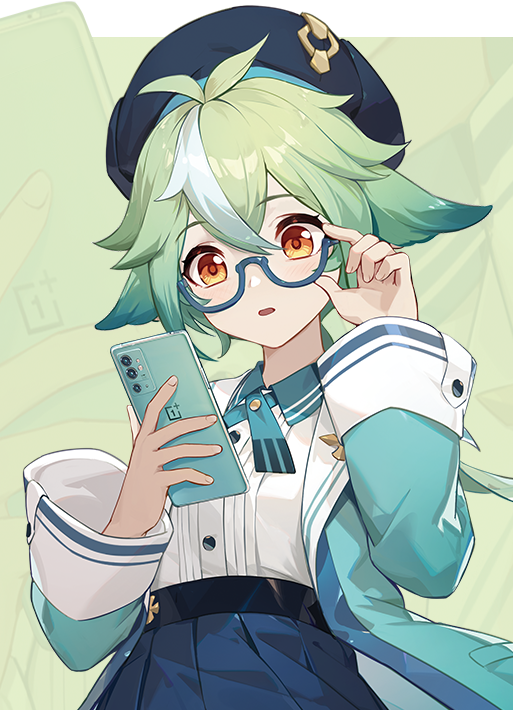 Original
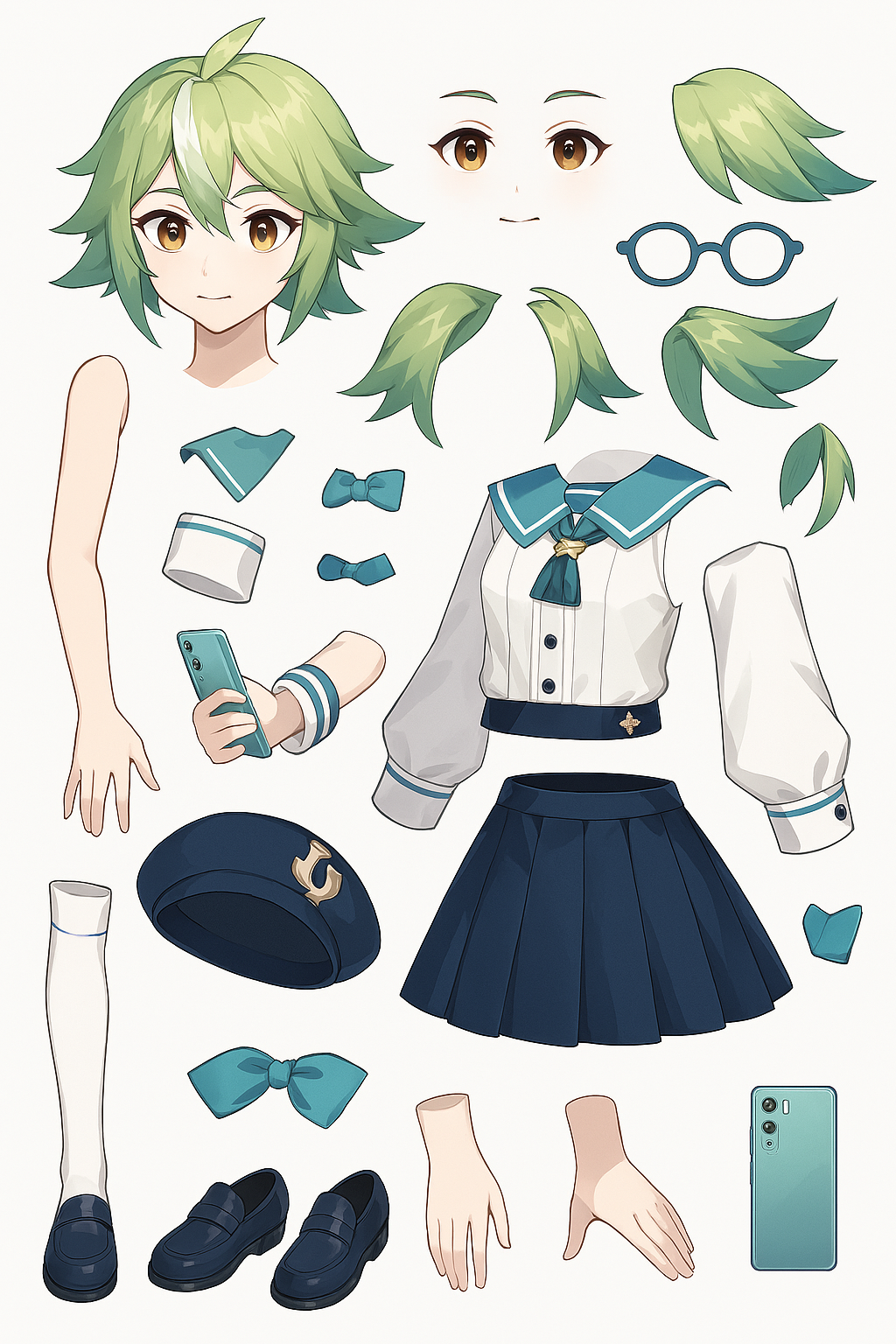 Layer 1
Upload anime, illustration, or character art
JPG, PNG, WebP
Drop an image here or click to upload
Free previews split into 2 layers; any credit pack or plan unlocks up to 8.
Upload anime, illustration, or character art
JPG, PNG, WebP
Drop an image here or click to upload
Free previews split into 2 layers; any credit pack or plan unlocks up to 8.
AI layer splitter
Anime and comic art has its own needs: creators often want character cut layers, foreground effects, speech-like regions, and background plates for motion or visual-novel style production.
Separate a character from scenery, props, foreground effects, or panel decoration so the figure can be moved or reused.
Use AI for the first pass around hair, costumes, props, and background edges, then refine only the layers that matter.
Turn one still image into separate planes for camera drift, depth simulation, reels, visual novel scenes, or motion tests.
An anime layer splitter turns a flat illustration or comic panel into production-friendly layer assets, usually character, foreground detail, props, effects, and background. It is most useful for parallax shots, motion tests, game UI, and remix layouts.
Comic split flow
The page follows the layer-splitter workflow users expect from anime tools: show an original illustration, show the separated result, and explain where character/background pieces go after download.
Input: illustration or comic panel
Split result: editable layers
01
Start with an illustration, comic panel, game character image, or AI-generated anime scene that has visible depth.
02
The model separates the flat image into usable layer assets such as character, foreground detail, background, and supporting objects.
03
Export transparent layers for animation, comic composition, game asset preparation, or PSD cleanup.
Anime examples
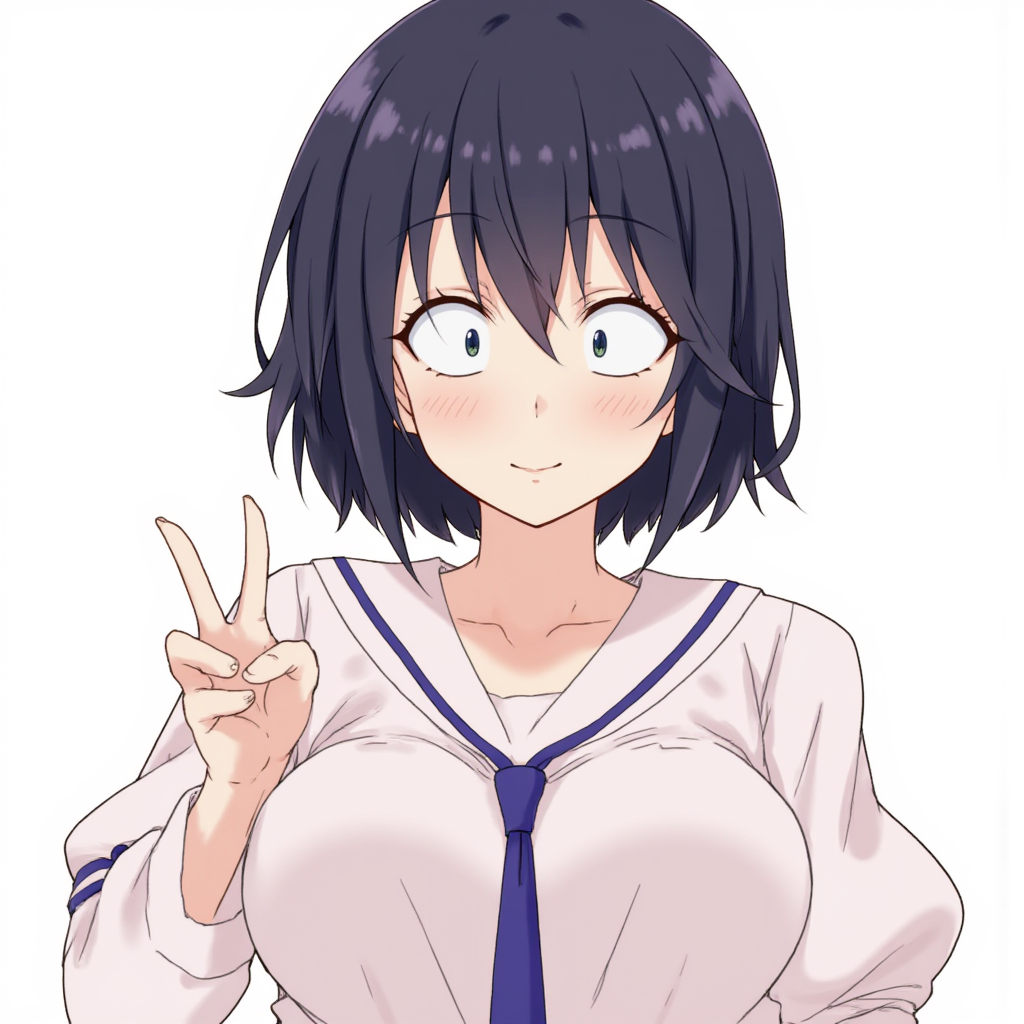
Input 2
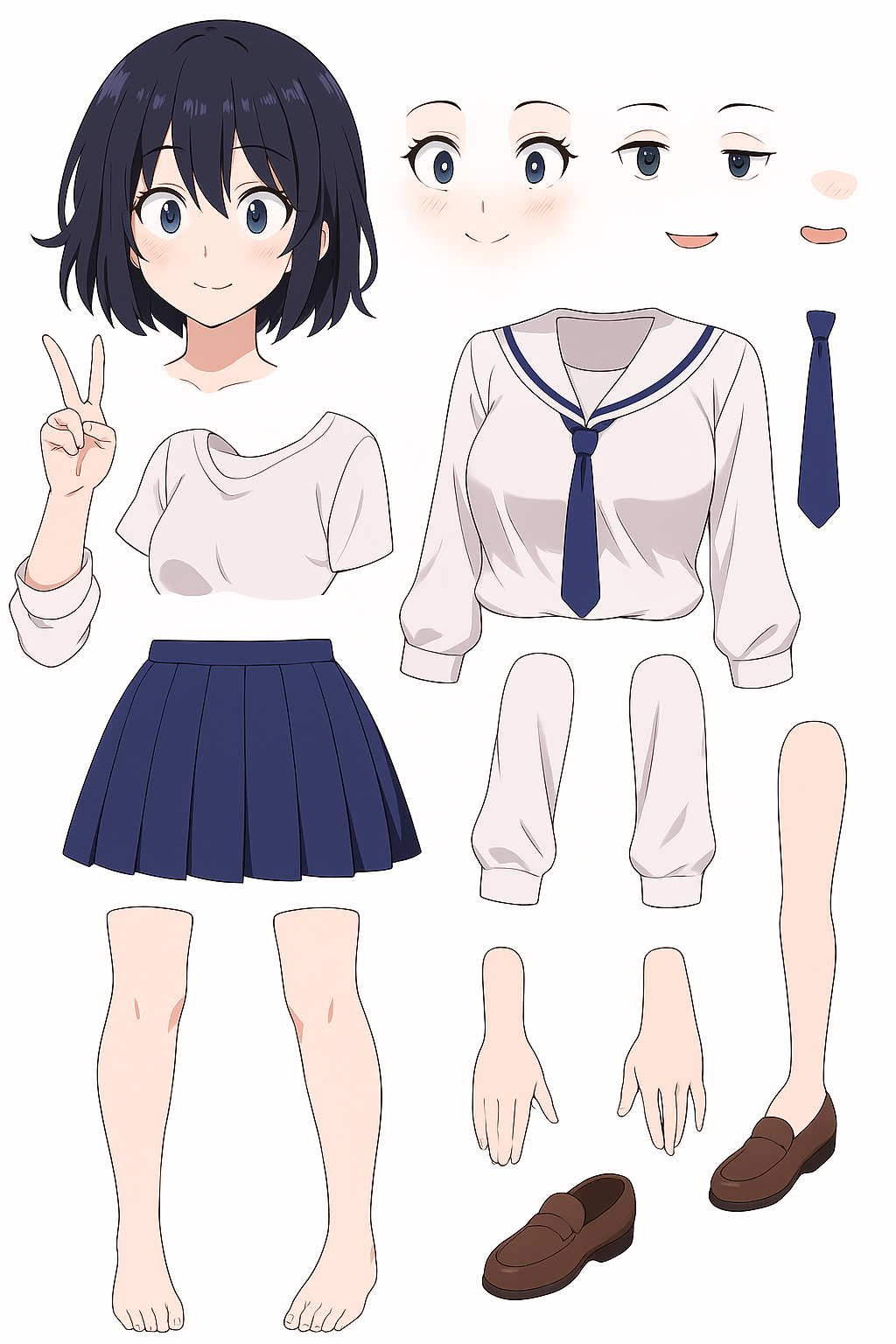
Split result 2
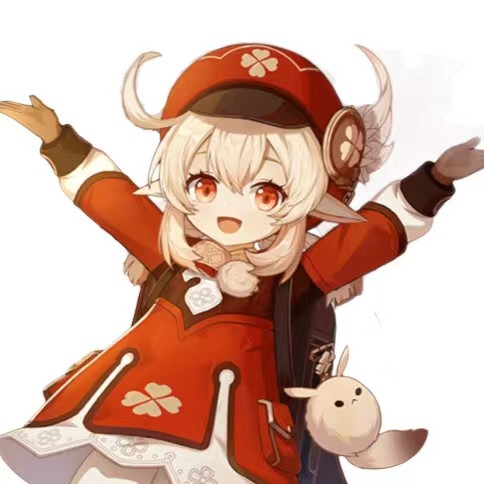
Input 3
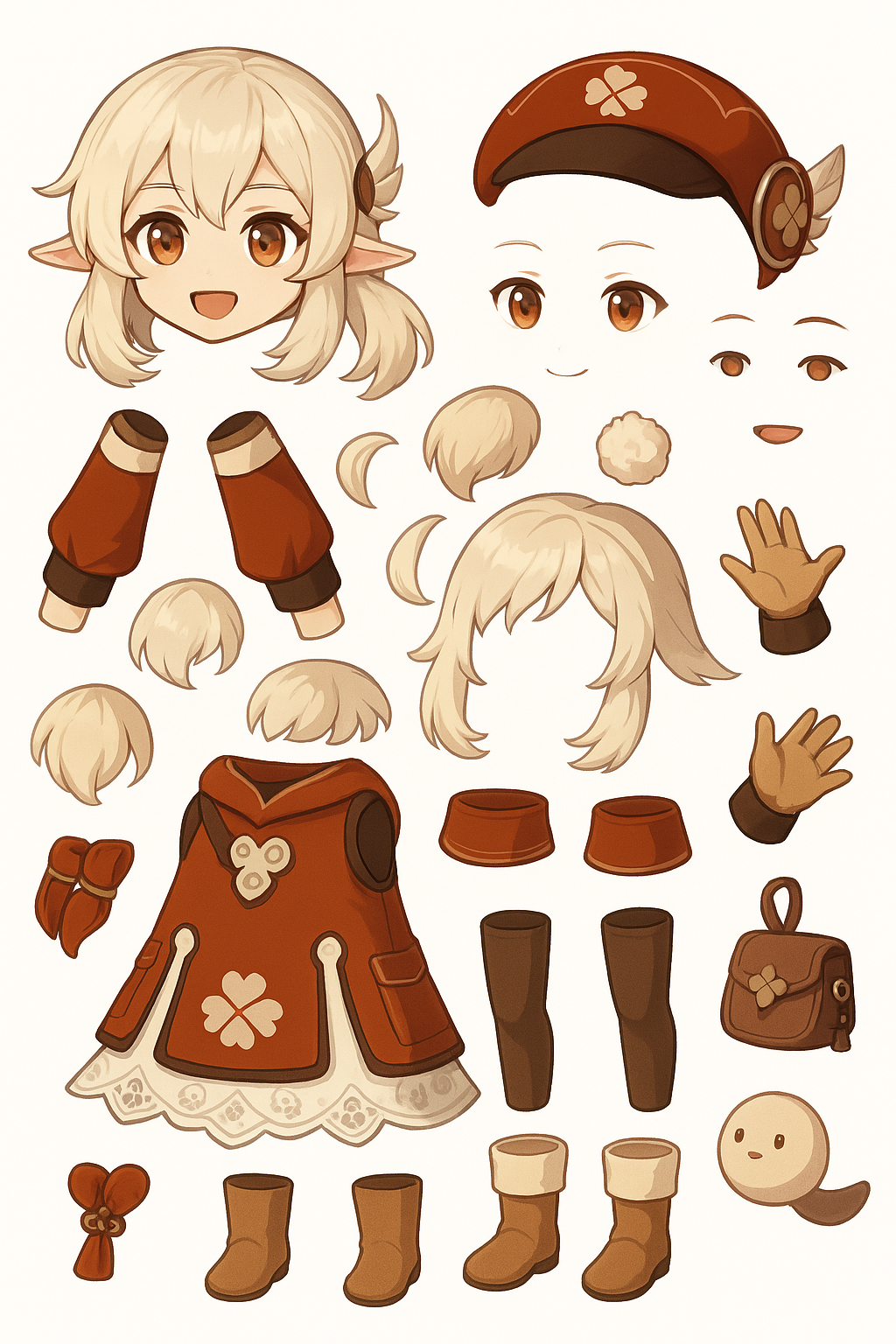
Split result 3
For creators
Separate characters from backgrounds, split comic panels into layers, and prepare illustration assets for parallax, VTuber-style rigs, visual novels and short-form motion.
Separate characters, foreground shapes, and background art from a panel so layouts can be adjusted without redrawing every element.
Use split character, prop, and background layers as a starting point for game UI, visual novel scenes, or prototype assets.
Move background and foreground layers separately to create depth from one still illustration.
Recompose characters, props, and backgrounds into new thumbnails, banners, stickers, or social graphics.
Best fit
Each tool page has a different production intent, so the right page depends on output format, source image, and cleanup needs.
Use it for
Best for anime stills, comic panels, game character art, VTuber-style graphics, and AI anime scenes where character, props, effects, and background are visibly separable.
Avoid when
This does not recover the artist PSD, vector line art, brush groups, or hidden sketch layers. It creates new editable image layers from visible pixels.
Output focus
The strongest use case is moving characters, foreground effects, and background plates separately for parallax, thumbnails, visual novels, or remix assets.
Anime splitting
An AI layer splitter analyzes a flat image and separates visible parts into layer assets, such as foreground, character, background, props, and detail regions.
Yes. Separated layers can be imported into animation or compositing tools for parallax movement, camera depth, reels, and motion tests.
It can help prepare concept art, character art, background plates, and prop layers for prototypes or asset cleanup, especially when you need editable pieces quickly.
Layer splitting focuses on visible pixels. If you need missing background behind a character, use inpainting or manual cleanup after the split.
Yes. The examples show the kind of anime and comic imagery that usually has enough visual planes for useful layer splitting.
Use this for non-anime posters, screenshots, collages, and mixed graphic scenes.
Create a clear anime scene first, then split it into character and background layers.
Package separated character, effect, and background pieces into a Photoshop document.